Themes and Stories
A page that changes with what's on.
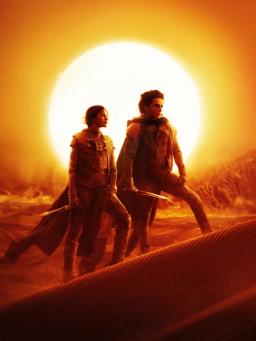
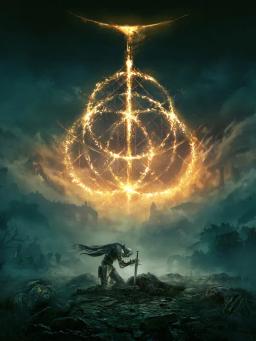
Seven looks, each with its own fonts, finish and motion: Portal, Film, CRT, Editorial, Chrome, Glitch and Adaptive. Your page shifts its colours toward what's playing, and visitors can tap your avatar for full-screen Stories.
Try it
Have a go. No account needed.
The same moves you'd make in your dashboard, with example data.
Try itPick a theme, keep the contentExample
Seven art directions
Matte black, chrome and hairlines. The default.
 Deft@deft
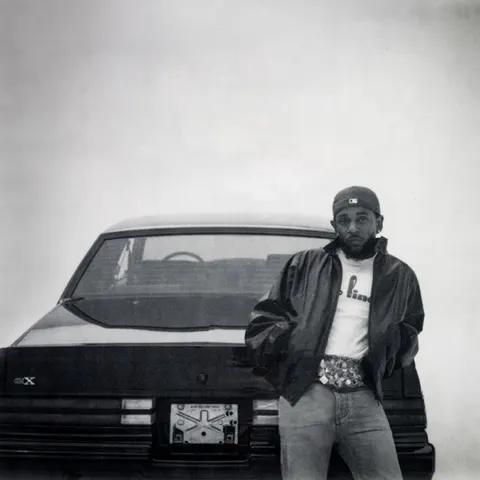 Listening nowluther
Avengers: DoomsdayTour datesNewsletter
What it does
Built to do the work.
- 01Seven looksNot colour swaps: each one has its own fonts, finish, motion and card style.
- 02Changes with what's onColours lean toward the art of what's playing and the card in view, and text always stays easy to read.
- 03StoriesTap the avatar for full-screen stories of your live moments and top links, with tap-through and hold to pause.
- 04Share imageEvery page has a share image of itself, ready for a post or a story.
How it works
3 steps. That's it.
- 01Pick a theme from the Look tab
- 02Connect something live
- 03Watch the page follow along
Early access
Claim prt.al/you.
Build your page first, then claim it. Free during early access.